Advertisement
Unscreen
Unscreen
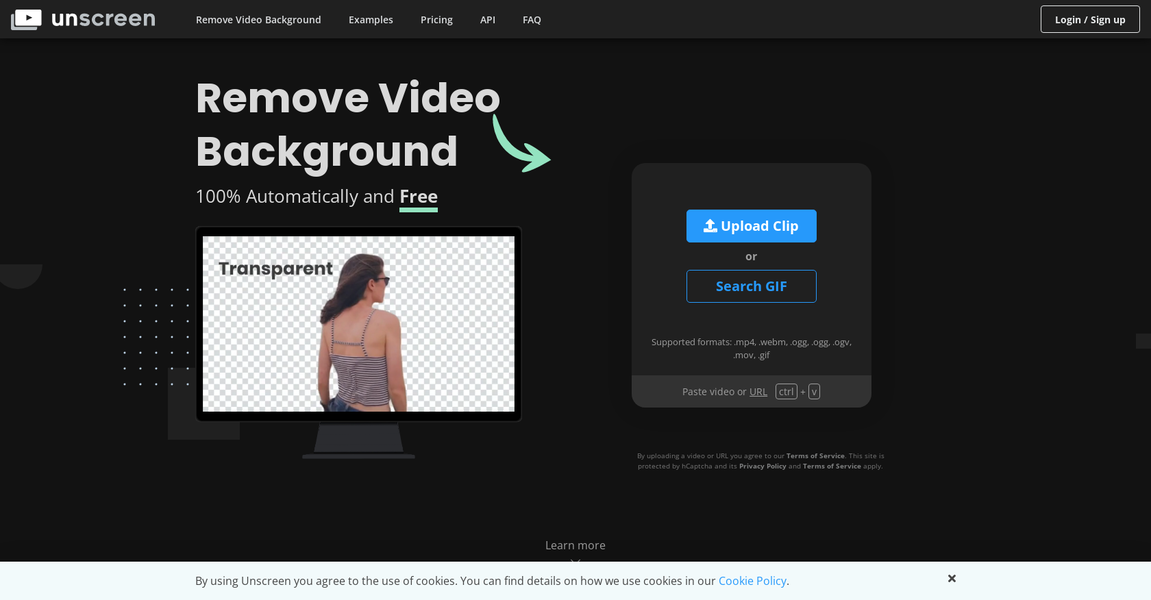
Unscreen is a software tool that allows users to easily remove backgrounds from videos. It eliminates the need for complex techniques such as chroma key and green screens, making the process simple and efficient. Unscreen automatically analyzes the video and generates a high-quality result without any manual intervention. Additionally, Unscreen offers a plugin for Adobe Premiere Pro and After Effects, allowing users to process their videos seamlessly.
Main Features:
1. Automatic background removal: Unscreen analyzes videos and automatically removes the background, without the need for manual selection or masking. This feature saves time and eliminates the complexity of traditional methods.
2. Unscreen Pro Plugin: The software provides a plugin for Adobe Premiere Pro and After Effects. Users can install the plugin, process their videos with Unscreen Pro and easily import the results into their editing software.
3. Full HD Resolution and No Watermark: Unscreen Pro delivers Full HD resolution output without any watermark, ensuring professional-quality results for users.
Use case:
Unscreen can be used effectively in a variety of situations, including:
1. Video Production: Content creators can use Unscreen to remove backgrounds from their videos, making it easier to integrate footage into different settings or add visual effects.
2. Online Presentations: Professionals delivering online presentations or webinars can use Unscreen to eliminate distracting backgrounds and stay focused on the speaker or content.
3. Marketing and Advertising: Marketers and advertisers can use Unscreen to create engaging videos with seamless background removal, improving the visual appeal and impact of their campaigns.
Unscreen is a powerful and user-friendly software tool that simplifies the process of removing backgrounds from videos. With its automatic analysis and high-quality results, it saves users time and effort. Whether for video production, online presentations or marketing purposes, Unscreen offers a convenient solution for making professional-looking videos without resorting to complex techniques.
Vote :


Alternatives to this tool

Discover the power of AI video dubbing, a revolutionary technology designed to break language barriers and amplify the global resonance of your content. With fast[...]

Zubtitle is an AI-powered online video editing tool that allows users to easily edit and enhance their videos for social media. With its simple yet[...]
Nuro.video is a fully automated AI video editing software designed for experts and online course creators. It is designed to make creating and publishing video[...]

myBeat is software that allows users to create vinyl music videos for Spotify. Its main features include AI artwork generation, ability to add videos and[...]

FlexClip is an online video editor that allows users to create professional-quality videos for free. With thousands of templates and AI-powered tools, FlexClip streamlines the[...]
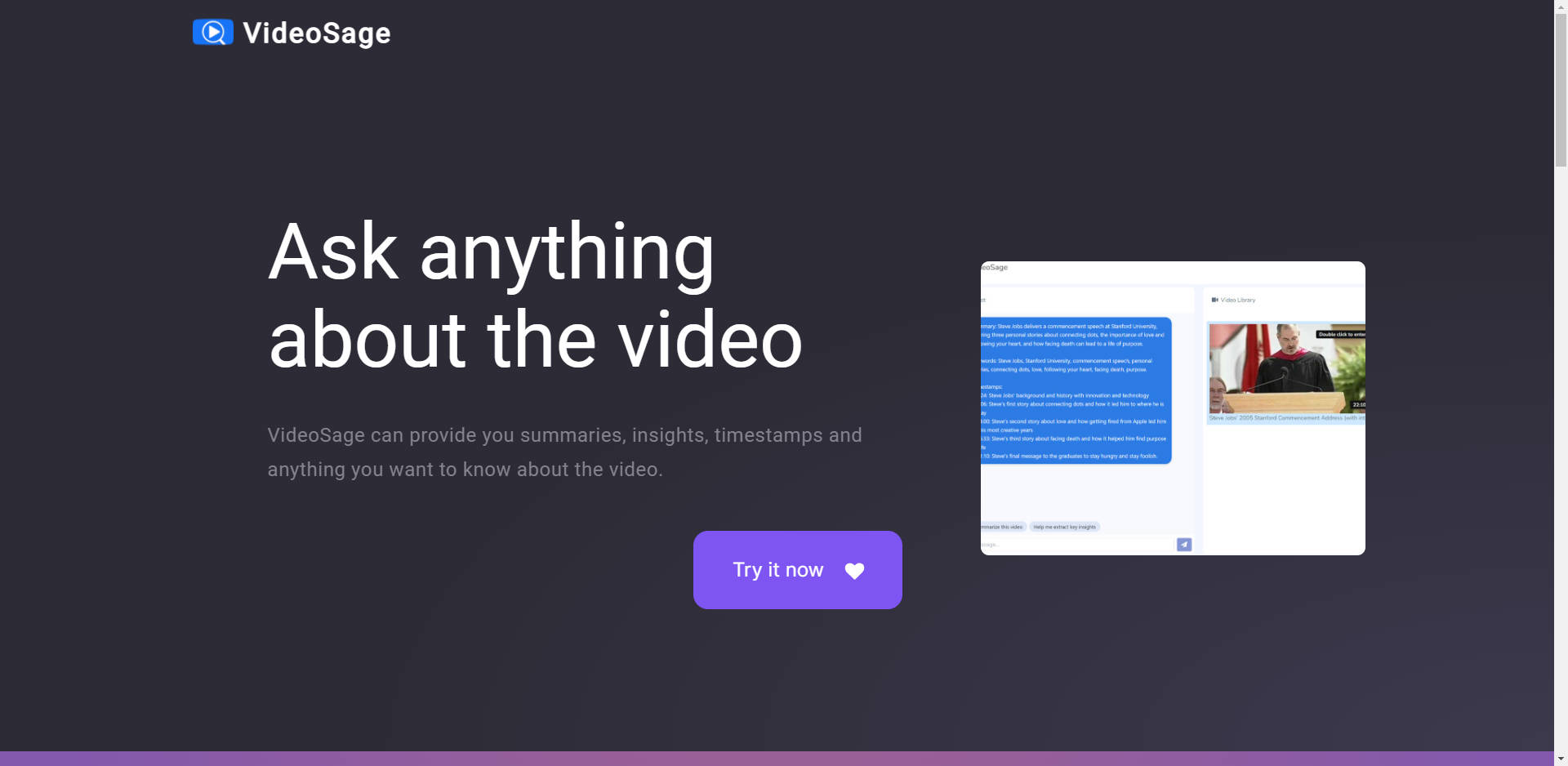
VideoSage is an AI-powered platform for users to ask questions and receive summaries, insights, and timestamps related to videos. The platform strives to provide accurate[...]
Augie turns words into videos. Upload text, narration, or clips, and Augie will analyze the content and instantly create a video that matches your words![...]