


Advertisement

Prezo
Prezo
Prezo is an innovative AI-powered presentation software that allows users to create visually appealing presentations for web and mobile platforms. With Prezo, you can easily convert long-form content like articles or memos into engaging presentations with just one click. The software intelligently preserves key information in your document and creates logical breaks that flow perfectly as a presentation. Additionally, Prezo offers AI-generated custom images and text styles to enhance the visual appeal of your slides.
Main Features:
1. AI-powered presentation conversion: Prezo simplifies the process of converting long documents into captivating presentations. By analyzing content, it automatically identifies important sections and organizes them into logical breaks suitable for a presentation format.
2. Custom image generation: With Prezo’s AI image generation feature, you can outline the image you want and choose from more than 10 different styles to generate unique illustrations in seconds. This feature adds creativity and visual interest to your slides without requiring any design skills.
3. Adaptive Text Editing: Prezo’s adaptive text editing feature lets you tailor your content precisely to the needs of your audience. Thanks to artificial intelligence, it can rewrite passages of text, adjust their length or modify their tone while maintaining consistency with the original message.
Use case:
– Event Presentations: Whether it’s a conference or a product launch event, Prezo helps you transform complex information into visually compelling slides that effectively engage your audience.
– Research summaries: Researchers can use Prezo to summarize their findings in an accessible way by converting academic articles or reports into concise but informative presentations.
– Marketing campaigns: Marketers can leverage Prezo’s features to create compelling sales pitches or marketing materials that captivate potential customers with visually stunning visuals.
– Classroom Presentations: Teachers can use this tool to create interactive lesson plans or present complex concepts in an engaging way that improves student understanding.
How to use:
1. Start by creating a Prezo account on the official website.
2. Once logged in, you can either create a new presentation from scratch or import an existing document.
3. If you’re creating from scratch, enter your content directly into the Prezo editor. If you import, upload your document and let Prezo analyze it and convert it into a presentation format.
4. Customize your slides by selecting the appropriate layouts, fonts, colors and backgrounds to match your desired aesthetic.
5. Use the AI image generation feature to add visually appealing images that match the context and style of your content.
6. Refine your text using adaptive editing options such as rewriting passages or adjusting their length and tone to better suit your audience.
7. Preview and make necessary adjustments before finalizing your presentation.
8. Easily share the completed presentation via web or mobile platforms.
Conclusion:
Prezo is advanced AI-powered software that simplifies the process of creating engaging presentations for technical experts and casual users. With its intelligent conversion capabilities, custom image generation capabilities, and adaptive text editing functionality, Prezo allows users to transform complex information into visually stunning slides that effectively communicate their message in various contexts such as events, research summaries, marketing campaigns and educational presentations.
Vote :


Alternatives to this tool
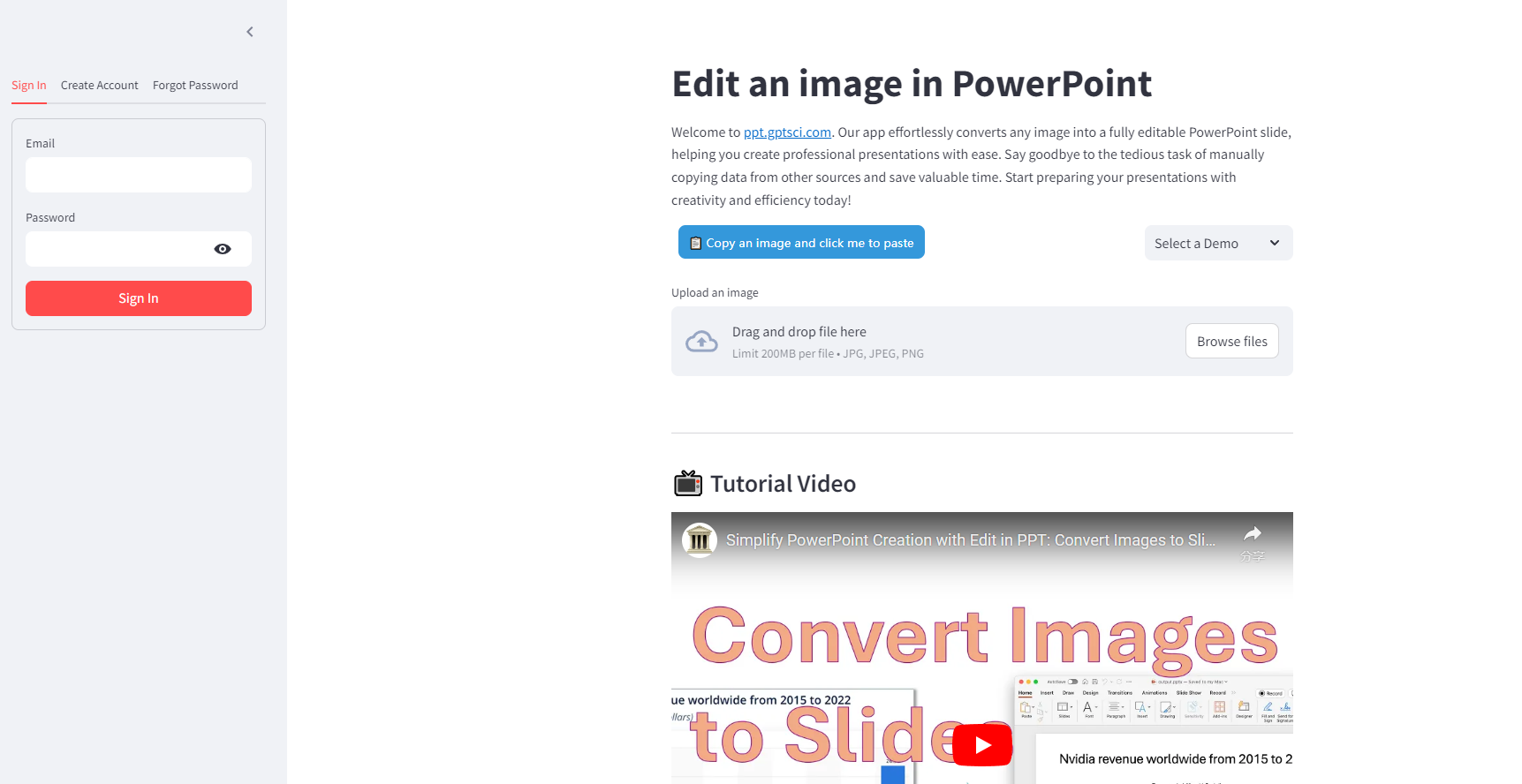
Edit in PPT is a powerful application that revolutionizes the creation of professional presentations. Powered by the advanced AI model, this tool seamlessly converts any[...]
The Breadcrumb AI tool is designed to transform data into personalized interactive views, eliminating the need for data skills. It offers a more advanced alternative[...]
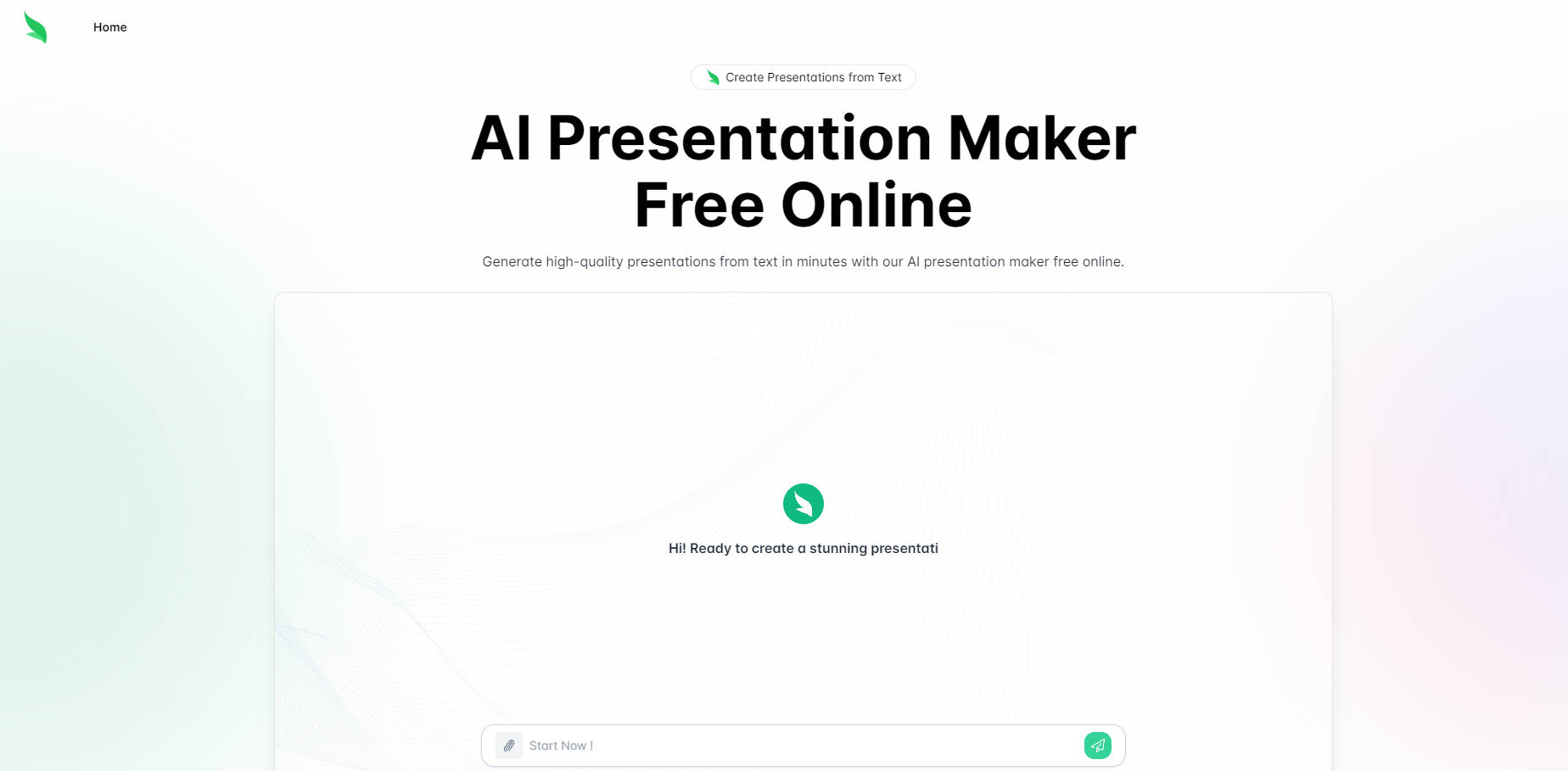
Slides.bot revolutionizes the way presentations are created. With its powerful AI-based approach, users can effortlessly convert written content into engaging slides. The tool is especially[...]
Slideas.ai is an AI-powered presentation assistant that allows users to quickly and easily create high-quality presentations and slideshows. It allows users to choose a topic[...]
Enter your presentation title and let our AI-powered system generate a professional, personalized presentation for you
AutoSlide is an AI-powered presentation builder that uses advanced language generation technology to create stunning, high-quality presentations. With AutoSlide, users can quickly and easily generate[...]
Slideoo is an AI-powered SaaS platform that allows users to create professional presentations in just 1-2 minutes from long texts, PDFs, and website URLs. The[...]