


Advertisement

Gravity
Gravity
Gravity is your intelligent assistant on your Mac, offering privacy and local operation. It stays on your computer, ensuring that only you can access your data. Gravity works quietly in the background, understanding your context to automatically take meeting notes, draft follow-up emails, extract tasks, and identify critical decisions. It is not cloud-based and works seamlessly across all meeting platforms without the need for internet access.
Main Features:
-
Automatic meeting notes: Gravity can intelligently capture meeting notes in the background, saving you time and ensuring you never miss important details.
-
Effortless Email Writing: It can write follow-up emails based on the meeting content, streamlining communication and follow-up processes.
-
Task Extraction and Decision Detection: Gravity extracts tasks and identifies critical decisions made during meetings, improving productivity.
Use case:
-
Personal User: Imagine using Gravity to automatically record meeting notes and write emails after a meeting, making your work more organized and efficient.
-
Business User: For professionals, Gravity is invaluable for extracting tasks and identifying key decisions during meetings, increasing productivity and ensuring important details are never overlooked.
-
Privacy-focused user: If you prioritize data privacy, Gravity’s local operation and the ability to exclude specific apps make it a perfect tool for saving personal notes and ideas while protecting your data.
Conclusion:
Gravity is the ultimate AI assistant for Mac users, delivering privacy, productivity, and efficiency. Whether you’re an individual or a business user, it can streamline your meeting-related tasks, protect your data privacy, and improve your overall work experience. With its local operation and focus on user privacy, Gravity presents itself as the most secure AI assistant available.
Vote :



Alternatives to this tool
Dreamsands is AI-powered software that helps product teams streamline their workflow by automating administrative and repetitive tasks. With Dreamsands, teams can save time and focus[...]
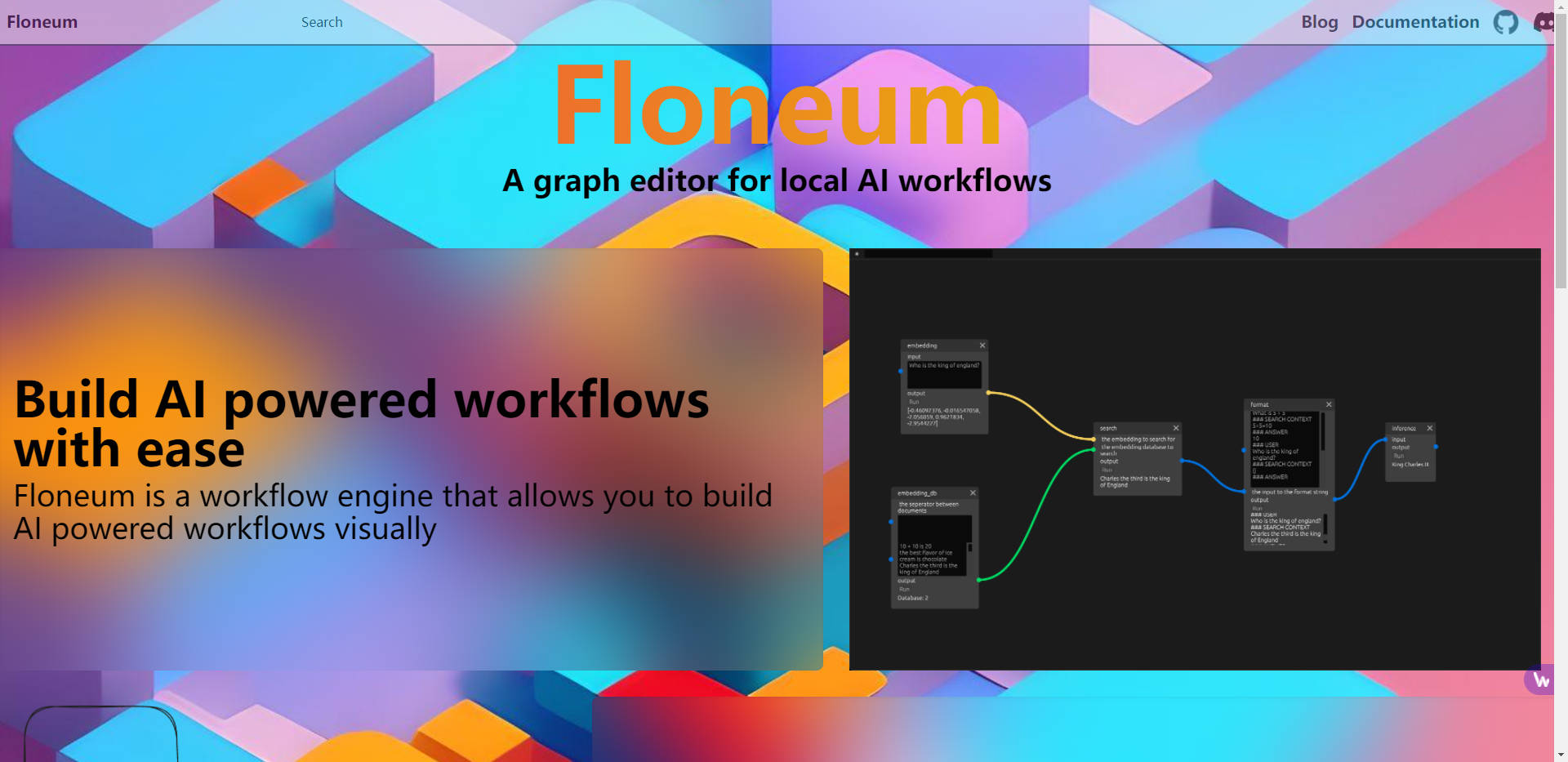
Floneum is a robust graphical editor designed to allow users to create AI-driven workflows with ease and intuitiveness. The tool offers a visual interface that[...]
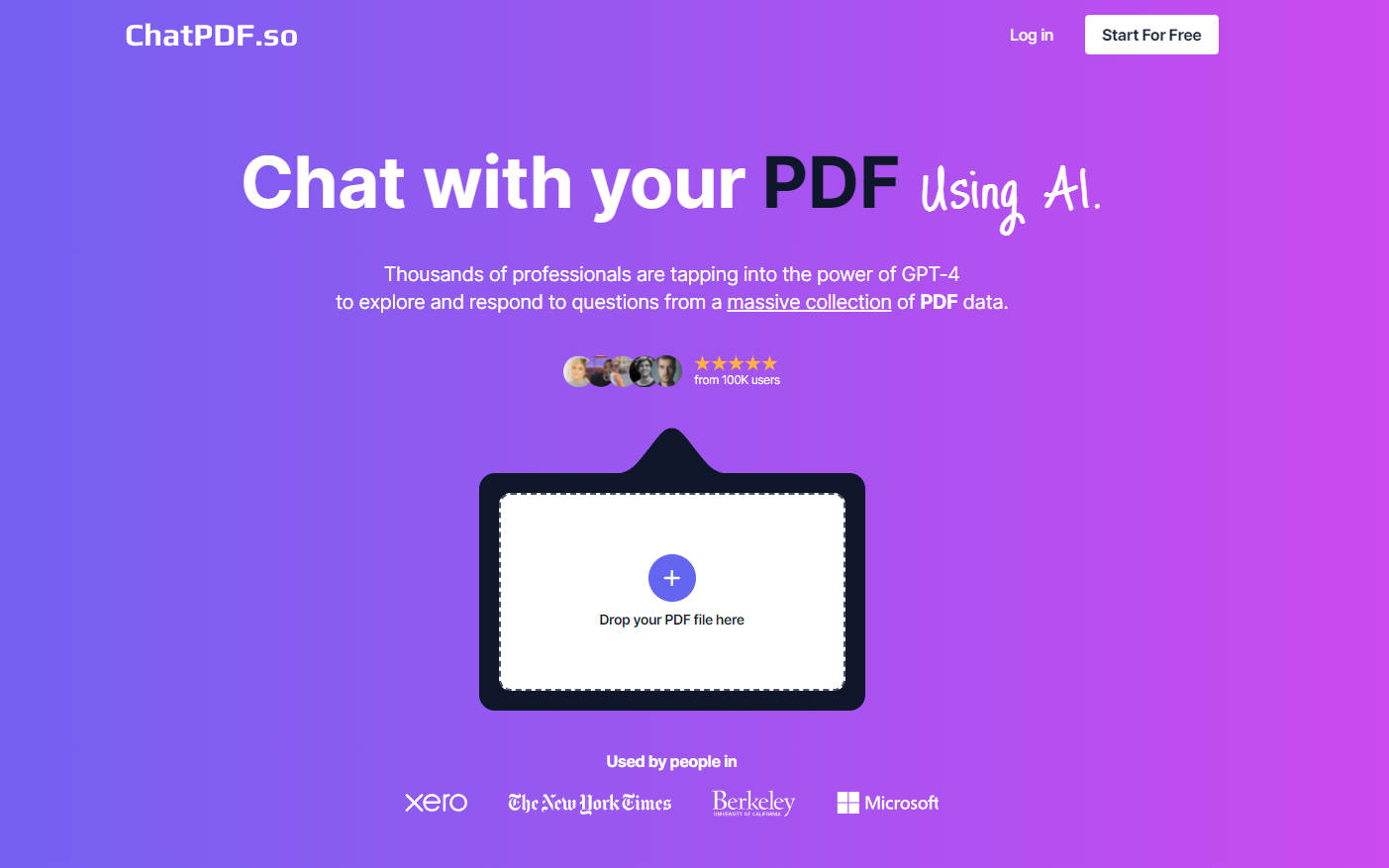
Chatpdf.so AI is an innovative chat tool designed to interact with PDF documents. It allows users to discover new information, create reports, ask questions and[...]
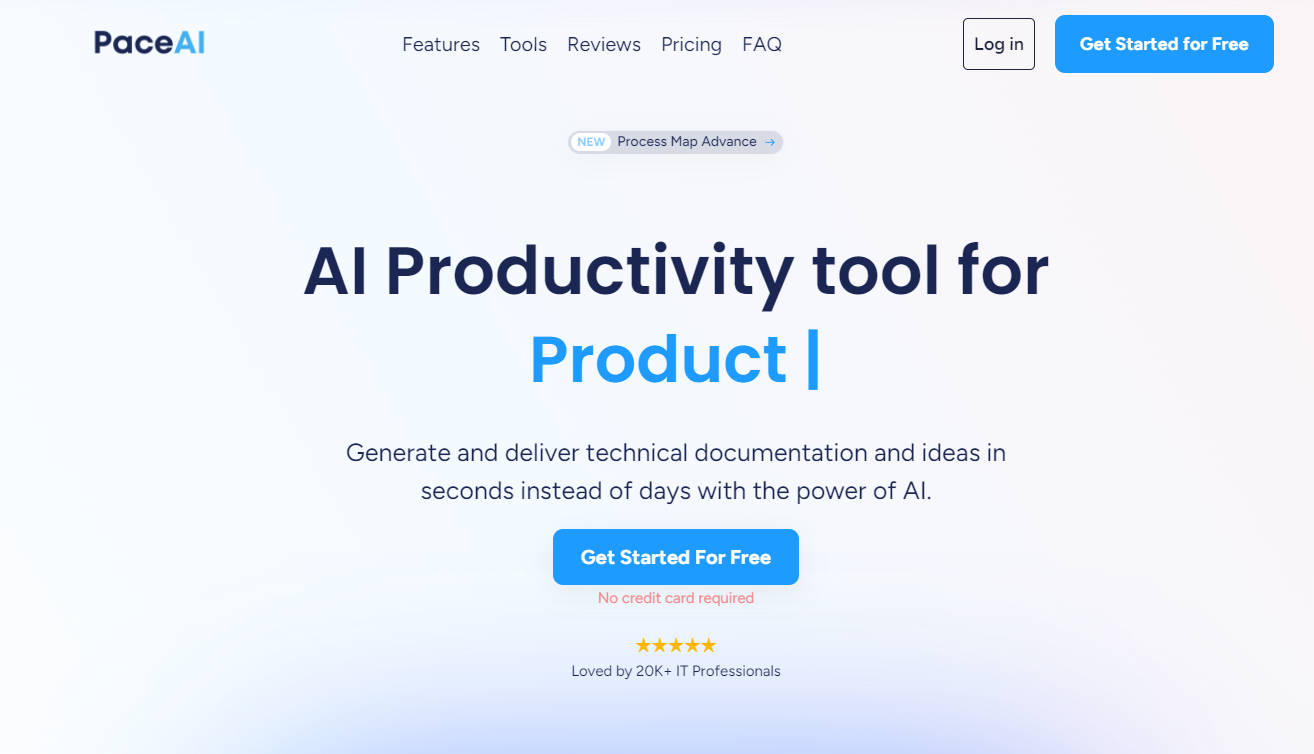
PaceAI is an AI productivity tool designed for IT professionals. It allows users to quickly generate technical documentation and ideas, saving time and improving communication.[...]
Lutra AI is a powerful software platform that offers a range of features to improve productivity and streamline tasks. With its Google Workspace support, data[...]
Iara Chat is a multi-channel AI hub where users can interact and learn from the most advanced artificial intelligence models. Iara Chat offers users a[...]
SwiftGPT.app is a native macOS app that provides a smooth and fast ChatGPT (Generative Pre-trained Transformer) experience. It provides users with a user-friendly chat interface[...]