


Advertisement

Boomerang for Gmail
Boomerang for Gmail
Boomerang is a versatile software that simplifies your email management and increases productivity. With its one-click calendar and email scheduling tools, it streamlines your inbox, allowing you to focus on what really matters. It integrates seamlessly with Gmail and offers a range of features to improve your email experience.
Main Features:
One-Click Calendar Scheduling: Boomerang’s standout feature is its ability to effortlessly schedule meetings without leaving your email platform. This eliminates the hassle of email exchanges, double bookings and time zone errors. You can even set up a bookable calendar, support multiple calendars, integrate Zoom and Google Meet, and manage two time zones, all within your email interface.
Email Management: Boomerang gives you the power to send emails at the perfect time, even allowing you to compose messages and schedule their delivery. It offers smart reminders to follow up on important messages, ensuring you’ll never let a crucial correspondence slip through the cracks. Plus, it helps you declutter your inbox by temporarily archiving less urgent emails and redisplaying them when needed.
Responsible AI Assistant: Boomerang goes beyond standard email tools with its Responsible AI Assistant. This feature uses artificial intelligence to improve your email communication in real time. Drawing insights from millions of messages, Respondable helps you create more effective emails by increasing response rates, ensuring the right tone, and providing valuable copywriting insights.
Use case:
Streamline Meetings: With Boomerang, professionals can streamline their meeting planning process. Say goodbye to tedious email exchanges and time differences. Seamlessly schedule meetings, whether it’s a one-time appointment or a recurring event, directly from your messaging platform.
Effective Email Management: Boomerang is a boon for anyone who deals with a flood of emails on a daily basis. It allows you to write emails when it suits you and send them at the optimal time. The reminder feature lets you stay on top of your inbox and never miss a crucial follow-up.
Improved Communication: Businesses can leverage Boomerang to improve their email communication. The Respondable AI assistant ensures that emails are not only sent, but effective in achieving intended goals, improving response rates, and maintaining a professional tone.
How to use:
One-Click Calendar Planning:
Install Boomerang for compatible browsers: Firefox 38+, Chrome 5.0+, Safari 5.1+, Opera 15+ or Edge 39+.
Integrate Boomerang with your Gmail or Google Workspace email.
Enjoy hassle-free scheduling in your email interface, with features like multiple calendars, time zone management, and integration with Zoom and Google Meet.
Email management:
Write an email as usual.
Click the “Send Later” button to schedule the email delivery.
Use the reminder feature to follow up.
Temporarily archive emails with the Boomerang button and reappear them if necessary.
Responsible AI Assistant:
Enable Respondable AI to improve your email writing.
Leverage its insights to increase email response rates, strike the right tone, and improve your overall email communication.
Conclusion:
Boomerang is a game changer in email management, simplifying scheduling, improving productivity, and improving communication. Whether you are a professional looking to streamline your meetings or a business looking to optimize email correspondence, Boomerang offers a range of powerful features to make your email experience more effective and efficient. With Boomerang you will save time, reduce stress and achieve better results in your email communication. Add this essential tool to your Gmail or compatible browser today and see the difference it can make to your email workflow.
Vote :


Alternatives to this tool
rasa.io is a personalized email newsletter software that allows users to send personalized content to their email list. This helps increase engagement, nurture relationships, personalize[...]
ContactOut is software that helps professionals find emails and phone numbers for over 300 million professionals. It offers features like AI Personalizer, AI Email Writer,[...]
TextCraft AI is an AI-powered email writing tool that helps users write better emails in less time. It offers intelligent suggestions based on tone and[...]
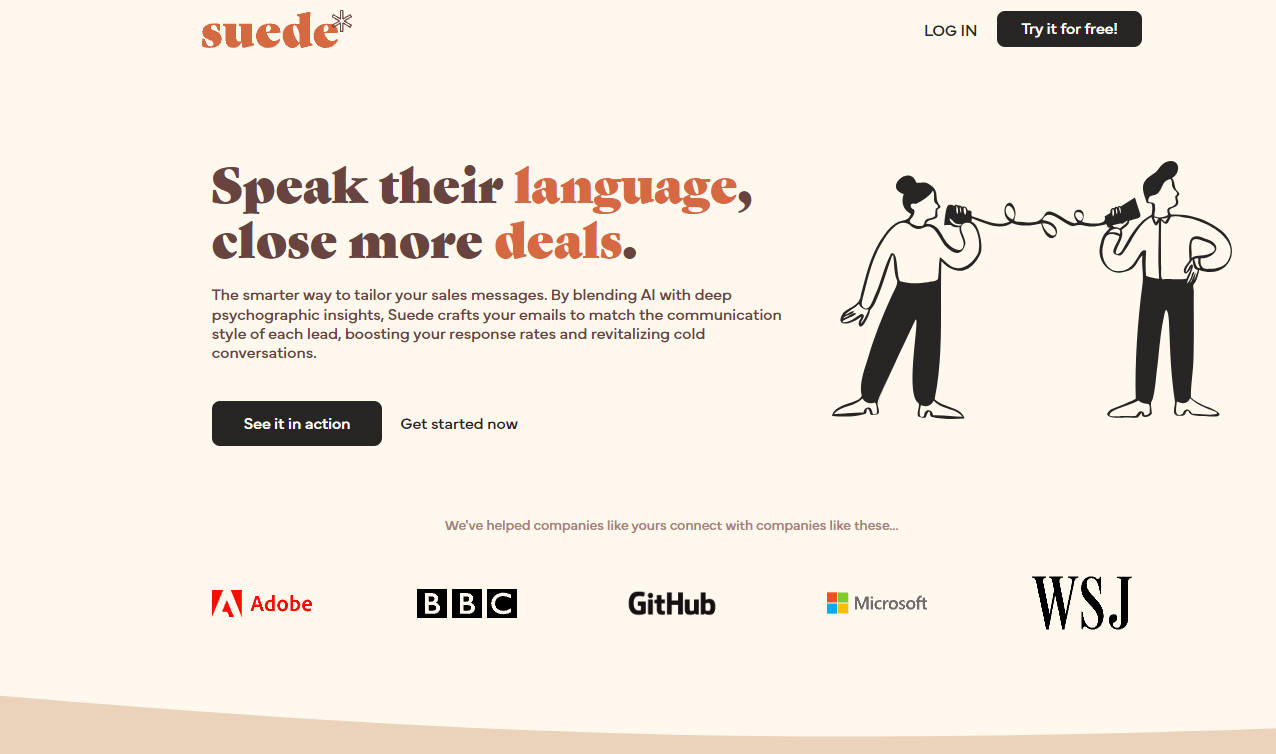
Suede is a cutting-edge AI-powered sales tool designed to revolutionize outbound communication. By combining advanced AI algorithms with in-depth psychographic analysis, Suede tailors sales emails[...]
Quick AI Reply is an AI-powered solution that helps users manage email overload by generating fast and accurate replies tailored to the content of previous[...]
Lean-to is a new way to run your awareness campaigns. Create highly personalized LinkedIn emails and invitations with just a few mouse clicks and never[...]
Quickeee is a revolutionary SaaS solution that streamlines email composition and response times. It integrates with popular email providers such as Gmail, Yahoo, Zoho and[...]