


Advertisement

Booltool
Booltool
Booltool is an all-in-one suite of amazing tools designed for content creators and digital marketers. It offers a range of features for enhancing images, rewriting text and enhancing videos. With Booltool, users can easily remove unwanted backgrounds from portraits or product images with remarkable precision. The software also allows you to erase objects, people, defects or watermarks to create impeccable images. Additionally, Booltool provides options to increase image resolution by 2x, apply instant filters and effects to photos, change image dimensions for different platforms, reduce image size while retaining quality and even add animation effects to turn static photos into dynamic ones. For editors and writers struggling with writer’s block or duplicate content, Booltool offers AI-powered paraphrasing capabilities as well as a tool called Sugar Comments that helps generate engaging comments. Finally, Booltool includes video enhancement features such as increasing video resolution by 2x and improving color balance, sharpness and clarity. Users can also isolate people from the background of any video without the need for a green screen.
Main Features:
1. Image Tools:
– Remove Portrait Background: Remove unwanted background from portrait images with remarkable precision.
– Object Background Remover: Automatically remove unwanted backgrounds from product images with just one click.
– Object Eraser: Easily erase unwanted objects like people or watermarks from your images with a simple swipe.
– Image Enhancer: 2x your images in one click to meet specific resolution requirements.
– Photo Filters and Effects: Apply instant filters and effects to your photos to make them stand out.
– Image Resizer: Change the dimensions of any image for social media posts or web pages.
2. Writing tools:
– AI Paraphrase: Leverage AI technology to rewrite any text effortlessly while avoiding duplicate content issues.
– Sugar Comments: Spread love and positivity with every comment by using this tool to generate engaging comments.
3. Video Tools:
– Video Enhancer: Improve the color balance, sharpness and clarity of video while increasing the resolution by 2x.
– Video Background Remover: Effortlessly isolate people from the background of any video without the need for a green screen.
Use case:
– Content creators can use Booltool’s image tools to remove unwanted backgrounds from portraits or product images, erase objects or watermarks, improve image quality, apply filters and effects , resize images for different platforms and even add animation effects.
– Writers can benefit from Booltool’s AI paraphrasing tool to rewrite text effortlessly while avoiding duplicate content issues. The Sugar Comments feature also helps generate engaging comments for various purposes.
– Digital marketers can use Booltool’s video enhancement features to improve the quality of their videos by improving color balance, sharpness, and clarity. They can also easily isolate people from the background of any video without requiring a green screen.
Conclusion:
Booltool is an impressive suite of all-in-one tools that empowers content creators and digital marketers. With its wide range of features including advanced image editing capabilities like background removal and object erase, AI-based paraphrasing for copywriting needs, as well as Powerful video enhancement options such as increasing resolution and isolating subjects from backgrounds – Booltool gives users endless possibilities to create. stunning visuals and captivating content. Whether you’re looking to improve your photos or videos or need help rewriting text effectively, Booltool has you covered with its user-friendly interface and powerful AI technology.
Vote :


Alternatives to this tool
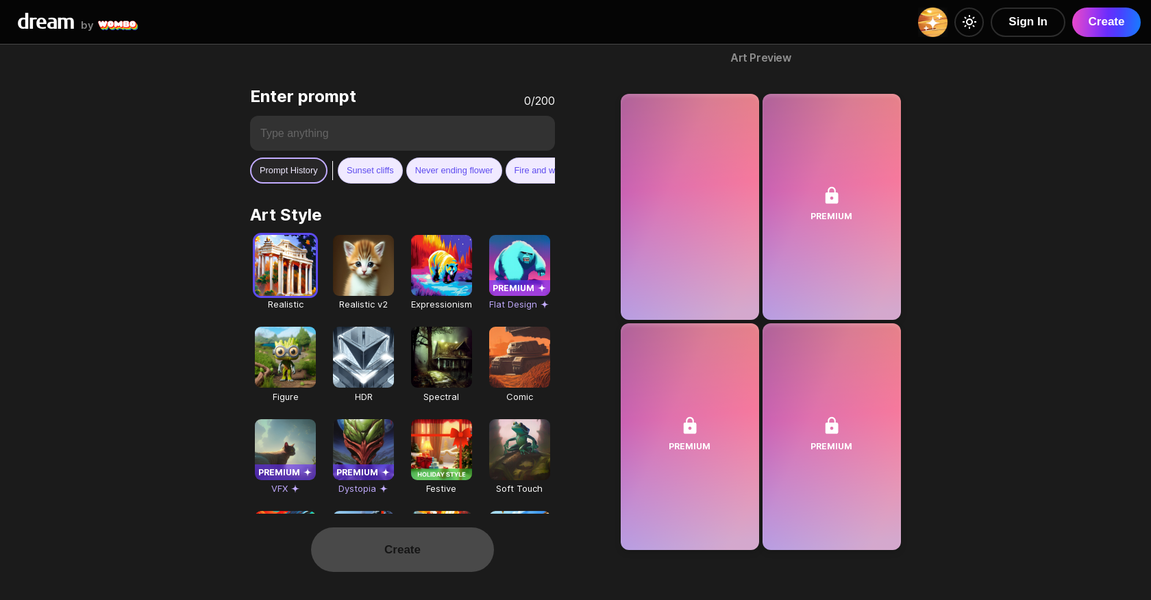
WOMBO Dream – AI Art Generator is a powerful tool that uses artificial intelligence to transform words into photos and digital artwork. With just a[...]
Discover AI LogoBrainstorm, the innovative logo creation solution. Our AI-powered tool generates 200 unique, personalized logo concepts based on your brand identity. Save time and[...]
Ameela is a user-friendly logo maker specially designed for startups. The tool offers an intuitive user interface and claims to be inspired by AI to[...]

Oksuro is a free sharing platform that unleashes your creativity by providing AI image prompts. With Oksuro, you can easily share and explore prompts and[...]
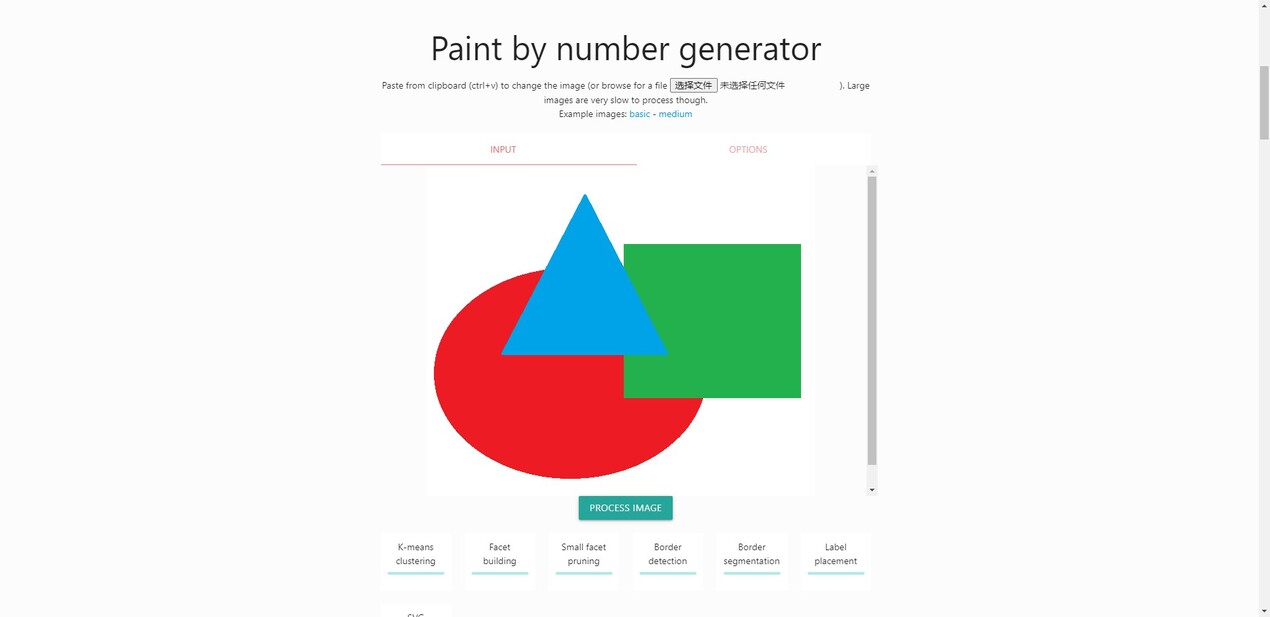
Create your personalized paint by number masterpiece effortlessly with this free AI generator. Simply upload an image, customize the number of colors and size, click[...]
B^ DISCOVER is an AI generative model service that allows users to explore and discover their story in images. It uses a range of creative[...]

OnlyFakes is an app and website that uses sophisticated AI technology to create explicit content, primarily pornographic images. It is crucial to consider ethical aspects[...]