


Advertisement

Appy Pie’s Free AI Presentation Maker
Appy Pie’s Free AI Presentation Maker
Appy Pie’s AI Presentation Maker is a user-friendly tool that lets you create custom presentations quickly and easily. With AI-powered features and an extensive collection of templates, you can design visually captivating presentations for any occasion. The software offers customization options, an extensive image library, and multiple download formats, making it suitable for professionals and beginners alike.
Main Features:
1. User-friendly interface: Appy Pie Design provides an intuitive and easy-to-use interface, allowing anyone to create stunning presentations without prior design expertise.
2. AI-powered features: The software leverages artificial intelligence to improve the presentation creation process. AI-generated suggestions for text, images, and design elements help users effortlessly create unique, visually appealing presentations.
3. Extensive collection of templates: Appy Pie’s presentation template collection offers a diverse range of beautifully designed designs, suitable for every occasion and celebration. Users can choose from a wide variety of models depending on their needs.
Use case:
– Professional Presentations: AI Presentation Maker by Appy Pie is ideal for creating professional presentations to showcase products, services or business plans.
– Educational Presentations: Teachers and students can use the software to create engaging presentations for lectures, assignments, or research projects.
– Social Media Campaigns: The tool allows users to design visually captivating presentations for social media platforms, helping them stand out and capture attention.
How to use:
1. Sign up and choose a presentation template: Create an account on Appy Pie Design and browse the huge collection of pre-made presentation templates. Select a model that suits your needs.
2. Personalize your presentation with AI-powered features: Personalize your presentation by customizing text, fonts, colors and images. AI-powered features provide suggestions and alternative wording options for more inspiration.
3. Preview, download and share: Preview your presentation to make sure everything is perfect. Make any necessary adjustments to the text, layout, or design elements. Once satisfied, download your creation in different formats, such as JPEG or PNG, and share it digitally or in print.
Conclusion:
Appy Pie’s AI Presentation Maker is a powerful and user-friendly tool that allows users to easily create visually captivating presentations. With its AI-powered features, extensive collection of templates, customization options, and extensive image library, the software caters to a wide range of users, from professionals to beginners. Whether for commercial, educational, or social media campaigns, Appy Pie Design helps users create stunning presentations that capture attention and leave a lasting impression.
Vote :


Alternatives to this tool
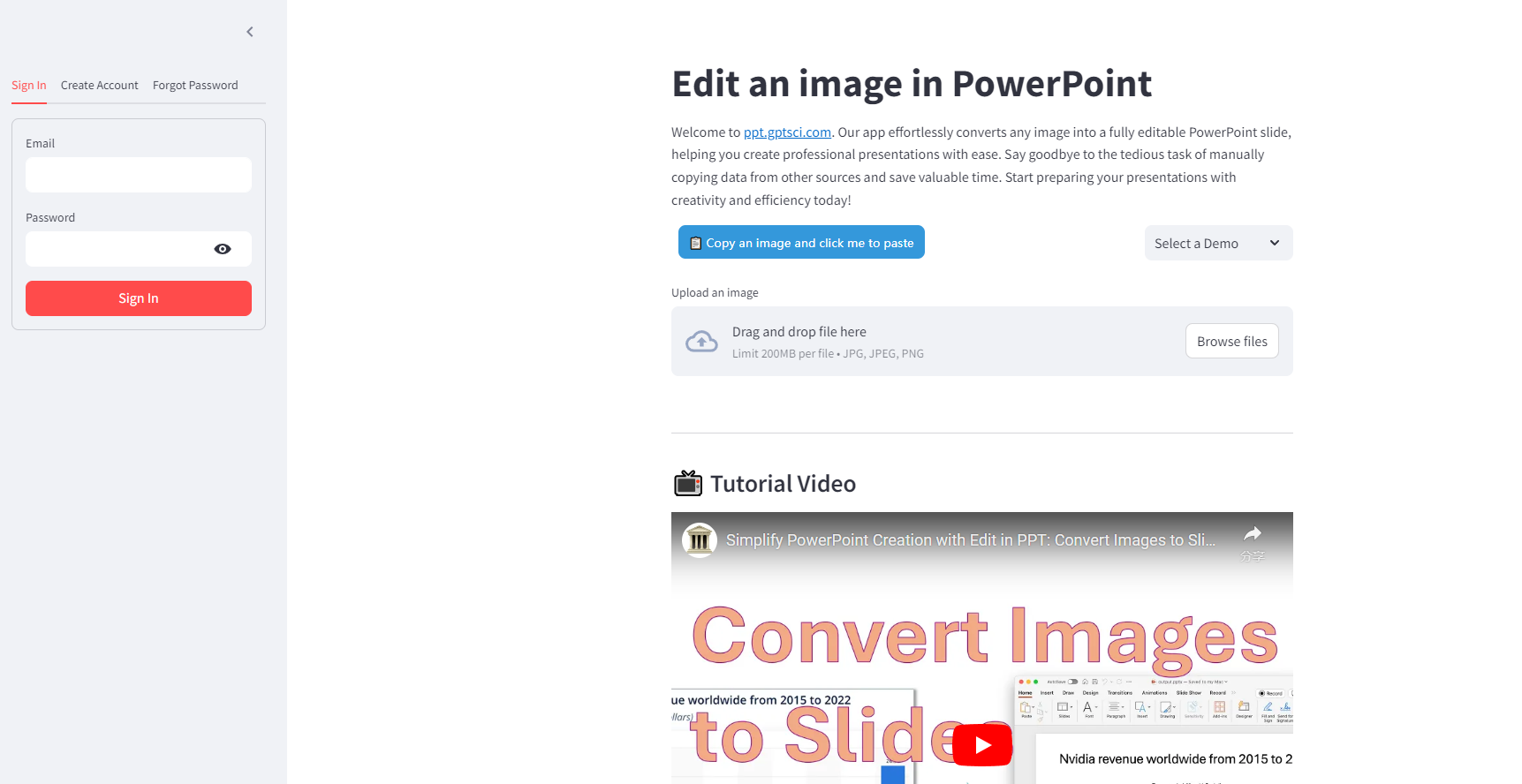
Edit in PPT is a powerful application that revolutionizes the creation of professional presentations. Powered by the advanced AI model, this tool seamlessly converts any[...]
SlidesAI.io is an AI-powered tool that simplifies the process of creating professional and engaging presentation slides. With its user-friendly interface, users can quickly generate visually[...]
ReviewGenerator.app is an AI-powered tool designed to help businesses generate customer reviews quickly and efficiently. It uses natural language processing (NLP) algorithms to create accurate[...]
Pitchbob.io is an AI pitch deck generator that helps entrepreneurs turn their business ideas into concise and impressive deliverables for investors. With features like idea[...]
Gamma App is a powerful AI tool that allows users to generate documents, presentations and web pages in seconds. With its intuitive interface and advanced[...]
Our presentation software uses artificial intelligence to automatically design your slides. Slidebean lets you focus on what's most important for your presentation: your content and[...]
Wepik is an AI-powered presentation maker that transforms the way you create presentations. With its intuitive interface and advanced AI technology, Wepik generates professional-looking slides[...]