


Advertisement

Motionit.ai
Motionit.ai
MotionIt AI is software that simplifies slide creation for students, teachers, and professionals. It uses advanced artificial intelligence to generate elegant slides from keywords or documents, taking care of formatting and image selection. With MotionIt AI, users can focus on their content while AI manages the design process.
Main Features:
1. AI-powered slide design: MotionIt AI uses its advanced algorithms to automatically design and format slides. This feature saves users time and effort by eliminating the need for manual formatting.
2. Automatic image selection: the software’s intelligent system selects the most appropriate visuals for each slide based on the content provided. This ensures that the images complement the text and enhance the visual appeal.
3. Document to Slide Transformation: Users can upload any document to MotionIt AI and instantly convert it into a professional slideshow. This feature streamlines the presentation creation process by eliminating manual copying and pasting.
Use case:
1. Students: MotionIt AI is an invaluable tool for students who need to quickly create visually appealing presentations. By simply entering their searches or notes as keywords or uploading relevant documents, they can generate well-designed slides without spending too much time on formatting.
2. Teachers: Teachers can use MotionIt AI to enhance their teaching materials with visually engaging slideshows. They can easily transform lesson plans or lecture notes into professional-looking presentations that effectively capture students’ attention.
3. Business Professionals: Whether pitching ideas to clients or presenting reports internally, professionals benefit from using MotionIt AI to efficiently create polished presentations. The software allows them to focus more on crafting compelling stories rather than getting bogged down in design details.
How to use:
To use MotionItAI effectively, follow these steps:
1. Upload your content: Enter your keywords or upload a document containing the presentation content you want.
2.Select your preferences (optional): Customize settings like color schemes or font styles if you want.
3.Click “Generate Slides”: Let MotionIt AI work its magic and generate a set of beautifully designed slides based on your content.
4. Review and edit: Review the generated slides, make any necessary changes or additions to ensure they match your vision.
5.Download or Present: Once you are happy with the slides, download them in your preferred format or present them directly from the software.
Conclusion:
MotionIt AI revolutionizes slide creation by leveraging artificial intelligence to automate design processes. With features like AI-powered slide design, automatic image selection, and document-to-slide transformation, users can create professional-looking presentations effortlessly. Whether you’re a student, teacher, or professional, MotionIt AI streamlines the presentation creation process while allowing you to focus on delivering impactful content.
Vote :


Alternatives to this tool
Rivia.AI offers interactive product demos that can help increase website conversion rates. By adding a “Visit Product” call to action to your website, prospects can[...]
Kroma.ai is the go-to platform for startup founders and businesses looking for expertly designed PowerPoint presentations. With Kroma.ai, users can confidently present top-notch, professionally designed[...]
Cleverslide is a software tool that offers sample slides and new features for presentations. It provides users with a platform to create visually appealing and[...]
RegisAI is an AI-powered copywriting tool for creating product descriptions and ad copy. It simplifies the writing process by automatically generating texts from a few[...]
AI Perfect Assistant is a revolutionary tool that harnesses the power of artificial intelligence to improve the productivity and efficiency of Microsoft Office 365 applications.[...]
Slidesgo's AI Presentation Maker is a game-changer in the world of presentations, transforming user input into visually engaging slideshows tailored to specific needs. Benefits: Generates[...]
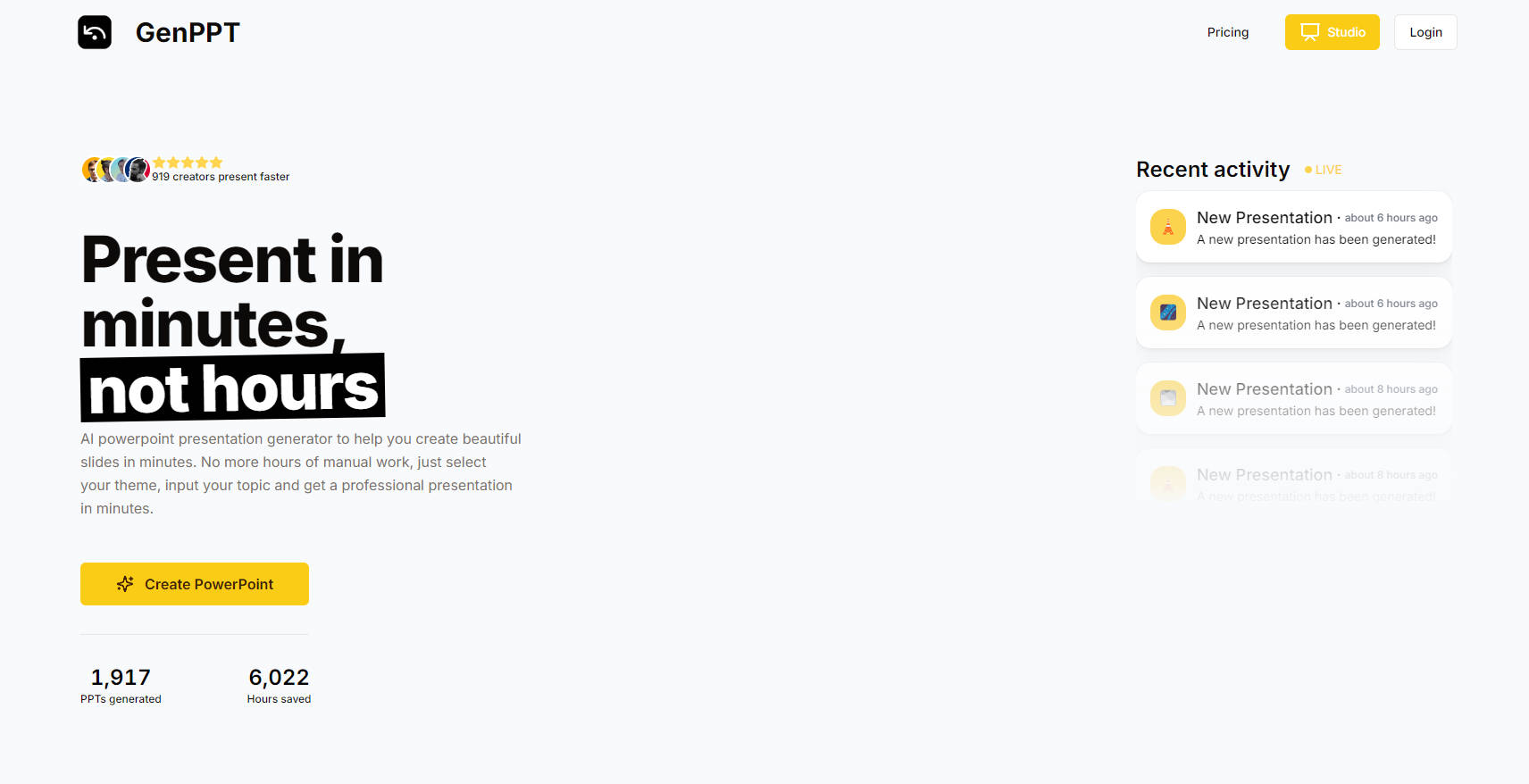
Revolutionize your presentation creation with our AI-powered PowerPoint builder, which will save you hours of tedious work. Simply choose a theme, enter your topic, and[...]