


Advertisement

Vmake Video Enhancer
Vmake Video Enhancer
Vmake Video Enhancer is an online tool designed to improve video quality by converting low-resolution footage into high-quality visuals. This innovative tool allows users to breathe new life into blurry or old videos, improving their visual clarity and overall appearance.
Vmake supports various video formats such as .mp4, .mov, .m4v and .3gp. The software’s advanced AI algorithms automatically improve the quality of uploaded videos by adjusting brightness, contrast, saturation and sharpness. Once processed, users can preview the enhanced video quality and choose a file format and length to export.
Main Features:
1. Online Video Quality Enhancement: Vmake offers an intuitive interface where users can upload their low quality videos to improve them. The software uses powerful AI technology to automatically adjust key parameters such as brightness, contrast, saturation and sharpness to improve overall video quality.
2. High resolution conversion: With Vmake’s AI capabilities, users can convert their videos to high resolution such as 4K and 30FPS. This feature is especially useful for upgrading old or low-quality footage to meet modern standards.
3. Easy-to-use interface: Vmake offers a user-friendly experience with its simple drag and drop functionality to download videos. Users can also paste files or URLs directly into the platform without any hassle.
Use case:
1. Restoring old footage: If you have old home videos that were recorded on outdated devices or in poor conditions, resulting in low image quality or resolution degradation over time; Vmake’s online video enhancer can help restore those precious memories by improving their visual clarity.
2. Improve low-quality videos: Sometimes we come across interesting content online, but find it disappointing due to its poor visual quality; Whether it’s a tutorial or a fun clip shared on social media platforms, using Vmake will allow you to enhance those low-quality videos so you can enjoy them in a better resolution.
3. Professional Video Production: For content creators, Vmake’s Video Enhancer is a valuable tool for improving the overall quality of their videos. By improving brightness, contrast, saturation, and sharpness, they can create visually appealing content that captivates their audience.
How to use:
1. Upload a video: Open Vmake and locate the online video quality enhancement feature. Click “download” to select the video file you want to enhance from your device.
2. Automatically improve video quality: Once the video is uploaded, Vmake’s AI algorithms will automatically apply enhancement options by adjusting parameters such as brightness, contrast, saturation and sharpness.
3. Export upgraded videos: After processing the video with enhanced quality settings applied by AI technology; Users can preview the resulting enhancement before choosing a file format and length to save and export.
Conclusion:
Vmake’s AI-powered online video enhancement tool offers an easy-to-use solution for converting low-quality videos to high-resolution videos without compromising image clarity or visual appeal. Whether it’s restoring old footage or improving low-quality videos found online, this software provides users with powerful tools to improve their viewing experience. With its intuitive interface and advanced AI algorithms, Vmake allows casual users and professional content creators to transform their videos into visually stunning masterpieces.
Vote :




Alternatives to this tool

Vyond is video animation software that allows businesses to create professional-looking animated videos. It helps organizations engage and educate their employees and customers, leading to[...]
AI Video Cut is an innovative software that uses AI technology to transform long videos into captivating trailers, YouTube short films, TikTok gems and video[...]

GhostCut is a professional video editing software specializing in video translation, subtitle removal and localization for creators, businesses and MCNs. With its AI-powered features, GhostCut[...]
Winxvideo AI is an all-in-one video editing and enhancement tool that allows users to optimize their visual storytelling effortlessly. It offers features like video stabilization,[...]
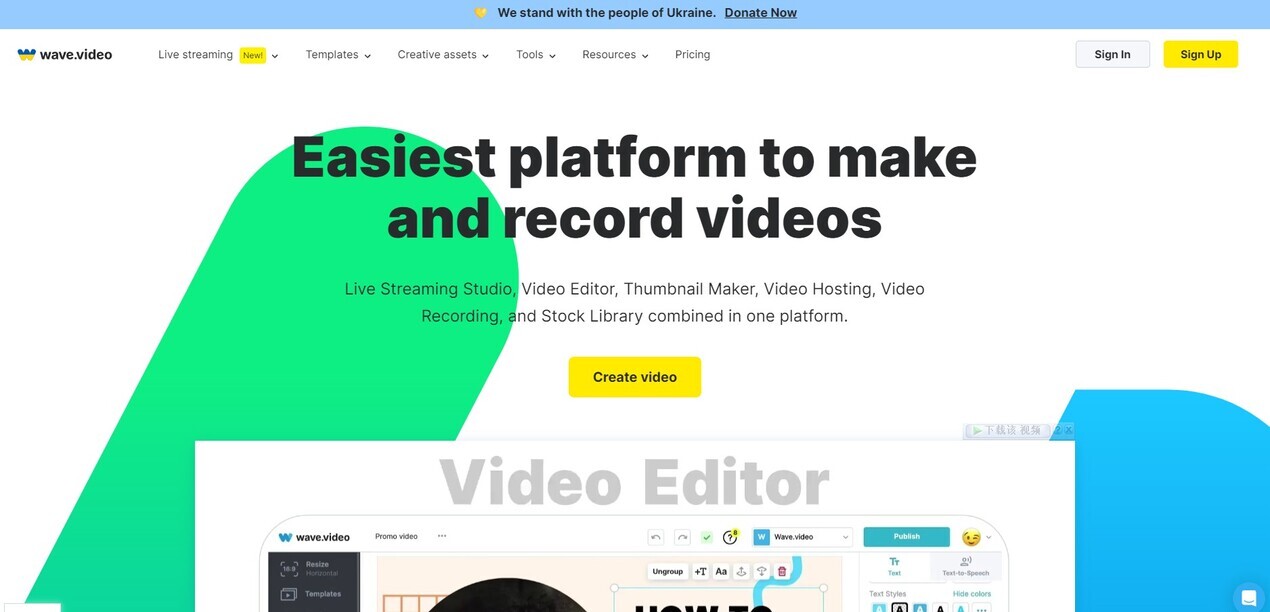
Wave.video is an all-in-one platform that simplifies the process of creating and recording videos. It combines a live streaming studio, video editor, thumbnail maker, video[...]
Vanity AI is an end-to-end AI-powered solution for Hollywood VFX teams to quickly deliver high-end 2D fixes in de-aging, de-aging, cosmetics, wigs and prosthetics. It[...]

8 Arc is an AI-powered software that allows users to create their own movie arcs simply by typing. With the ability to generate scripts and[...]