


Advertisement

Wisecut
Wisecut
Wisecut is an automatic video editing software that simplifies the process of cutting and editing videos. It offers three main features: exploit short videos to increase your audience, save time with automatic silence cutting and engage your audience with subtitles and automatic translations. With Wisecut, you can easily turn long-form talking videos into impactful clips for platforms like YouTube Shorts, TikTok, Instagram Reels, and Social Ads.
Main Features:
1. Take advantage of short-form videos to expand your audience: Wisecut lets you turn long-form videos into short clips by adding music, subtitles, and auto-cropping. These shorter clips are great for capturing attention on platforms where shorter content performs well.
2. Save time with auto-cut silences: Awkward pauses in long-format videos can be automatically eliminated using AI and facial recognition technology. This ensures a more organic flow while maintaining a single-camera perspective.
3. Engage your audience with automatic subtitles and translations: Wisecut generates automatically generated subtitles that improve engagement for viewers who watch videos without sound or prefer subtitles. Additionally, it offers quick editing capabilities thanks to the AI Storyboard tool. You can also translate your video into different languages effortlessly.
4. Smart background music that actually matches your video: Finding suitable background music for your video can take a lot of time, but not with Wisecut! The software automatically selects appropriate songs to suit the mood of your video. Even when you make changes to the video itself, the audio adjusts accordingly without any additional effort on your part.
5. Automatic audio ducking: To ensure clear audibility of speech in your video while maintaining an enjoyable background music experience during speechless moments (e.g. B-roll footage), Wisecut uses AI algorithms to balance audio levels dynamically.
6. Storyboard-based video editing: If further adjustments are needed after initial processing by Wisecut’s automated features, a transcribed storyboard is generated based on your speech. This allows you to easily edit the video by rearranging text and scenes without requiring complex timelines or advanced video editing skills.
Use case:
– Content Creators: Wisecut is ideal for content creators who want to repurpose their long-form videos into shorter, more engaging clips for platforms like YouTube Shorts, TikTok, Instagram Reels, and Social Ads.
– Educators: Teachers and trainers can use Wisecut to create educational videos with subtitles and automatic translations. It saves time by automatically cutting silence and balancing audio levels.
– Businesses: Testimonial videos or promotional content can be edited effortlessly using Wisecut features. It eliminates pauses, adds background music to match the mood of the video, and generates subtitles for better engagement.
Conclusion:
Wisecut offers a user-friendly solution for automatic video editing. Its key features allow users to leverage short videos to grow audiences across various platforms while saving time with automated processes like removing silence and generating captions. With its intuitive storyboard-based editing system, even those without extensive video editing skills can easily make adjustments. Whether you’re a content creator looking to engage viewers or an educator looking for effective ways to share knowledge, Wisecut provides valuable tools that simplify the video editing process while improving the overall viewer experience.
Vote :


Alternatives to this tool

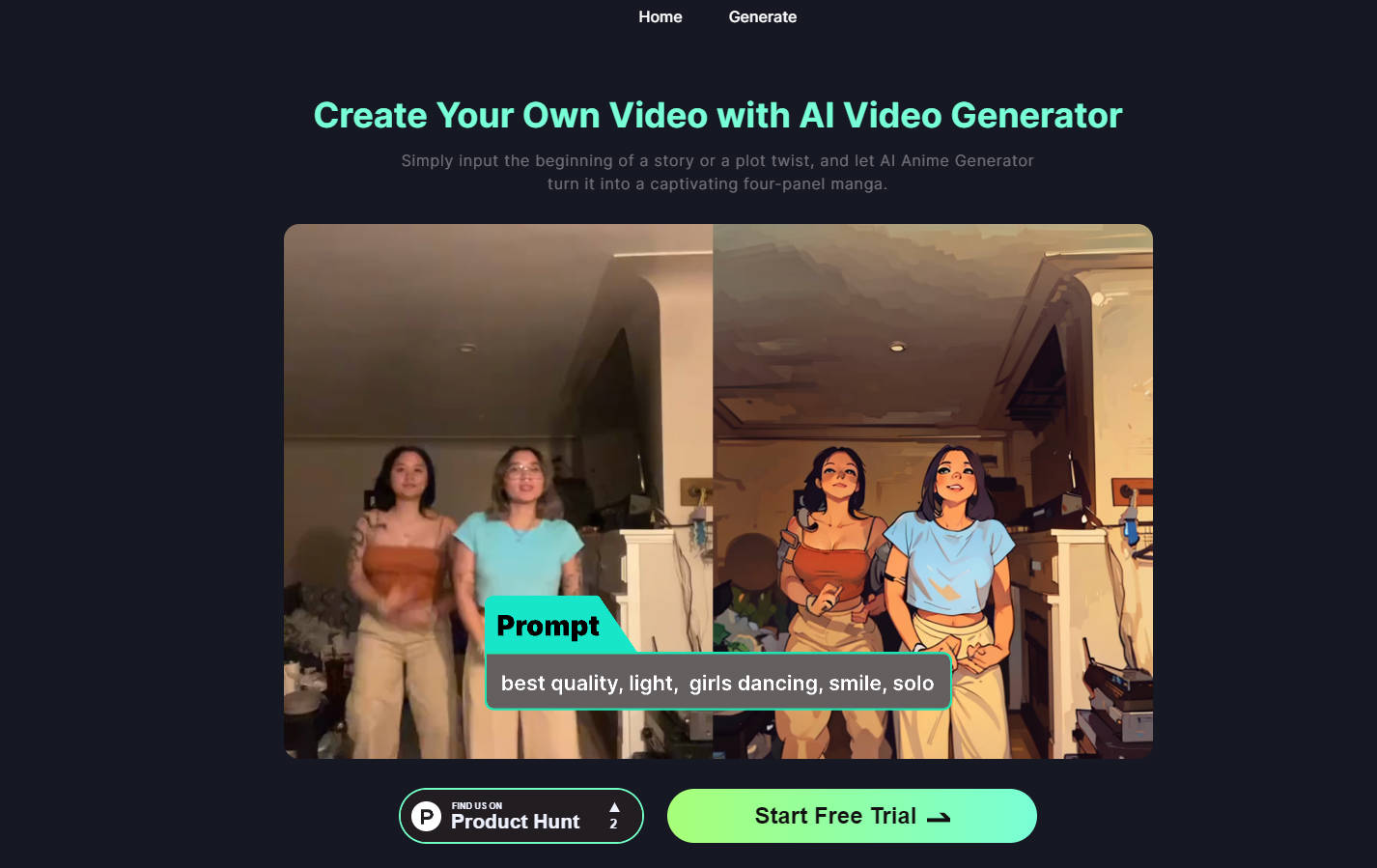
StoryFile is conversational video AI software that combines storytelling and video with the power of AI to create interactive and engaging conversations. It allows users[...]
Quickly turn scripts into audio to reduce production time from months to minutes. The desktop app can be used to create a stunning voice, without[...]

Chromox is software that offers high-resolution cinematic images and illustrations in various genres. With its stunning visuals and attention to detail, it provides users with[...]
InShot is a comprehensive video editing and creation software with professional features. It allows users to improve video playback quality, create slow motion effects, add[...]
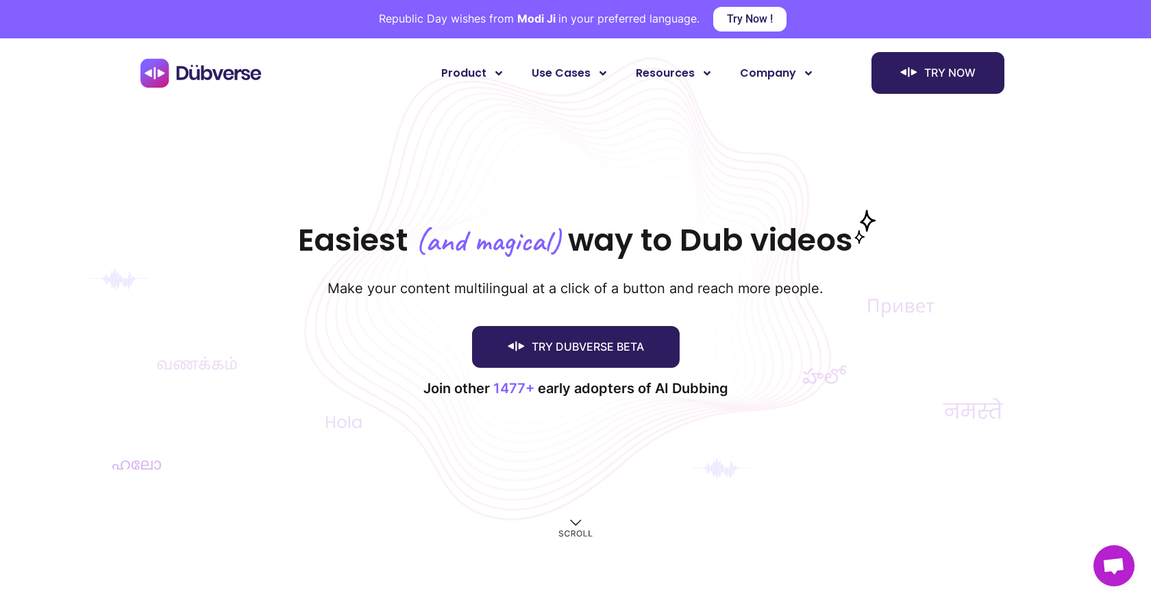
Dubverse is an AI-powered video dubbing tool that allows creators to easily dub their videos into multiple languages. With features like text-to-speech, machine translation, and[...]

Colossyan Creator is an AI video platform designed for workplace learning. It allows users to create AI-generated videos from text and easily translate them into[...]

Vimeo AI is a video platform that offers AI-powered tools for creating, editing and sharing videos. It includes features like an AI-powered script generator, teleprompter,[...]