


Advertisement

GPT Workspace
GPT Workspace
Boost your productivity with ChatGPT in Google Workspace. This powerful AI tool integrates seamlessly with Google Docs, Sheets, Slides, Drive, and Gmail. Rated 4.9/5 with over 1,000 reviews and over 4 million installations, it’s a game-changer for businesses and individuals. This extension improves your workflow and provides valuable features.
Main Features:
-
Integration with Google Workspace: ChatGPT becomes an integral part of your Google Workspace, providing real-time AI assistance within your favorite Google apps. Edit documents, analyze data, and write emails with ease, all while harnessing the power of AI.
-
Predictive capabilities: ChatGPT’s predictive capabilities allow you to make more accurate predictions in your documents, spreadsheets, and presentations. It suggests content, completes sentences and offers data insights, reducing errors and saving valuable time.
-
Customizable and future-proof: Adapt ChatGPT to your unique needs. This software is a cost-effective and scalable solution, allowing you to create and customize AI-based solutions specific to your business needs. Stay ahead of the technology curve without breaking the bank.
Use case:
-
Efficient Document Editing: Easily proofread, edit, and format your documents in Google Docs using ChatGPT support. Improve clarity, consistency and grammar effortlessly.
-
Data Analysis and Insights: In Google Sheets, ChatGPT helps you analyze complex data sets, providing valuable insights and visualizations to support informed decision-making.
-
Dynamic Presentations: Create captivating presentations in Google Slides with ChatGPT’s content suggestions, slide design recommendations, and voice assistance.
-
Streamlined Email Communication: In Gmail, ChatGPT improves your email composition, making your messages more concise and effective.
-
File management: In Google Drive, ChatGPT helps you find, organize and manage your files efficiently.
How to use:
-
Installation: Start by installing the free ChatGPT extension from the Google Workspace Marketplace.
-
Access to ChatGPT: Once installed, open any Google Docs, Sheets, Slides, Drive or Gmail document or interface. ChatGPT will be seamlessly integrated, ready to help you.
-
Using predictive features: As you work, ChatGPT will suggest content, auto-complete sentences, or provide data insights. Simply accept or reject the suggestions as needed.
Conclusion:
ChatGPT in Google Workspace is a versatile tool designed to boost your productivity. With its powerful integration, predictive capabilities, and customization options, it lets you work smarter, not harder. Whether you are a professional, a student, or anyone looking for effective document management, data analysis, or enhanced communication, ChatGPT is your AI companion for success. Try the Free plan with no feature restrictions or duration limits, and when you’re ready to unlock its full potential, explore our Premium plan. Your privacy is respected and GDPR compliance guarantees the security of your data. Join the ChatGPT revolution and transform the way you work.
Vote :


Alternatives to this tool
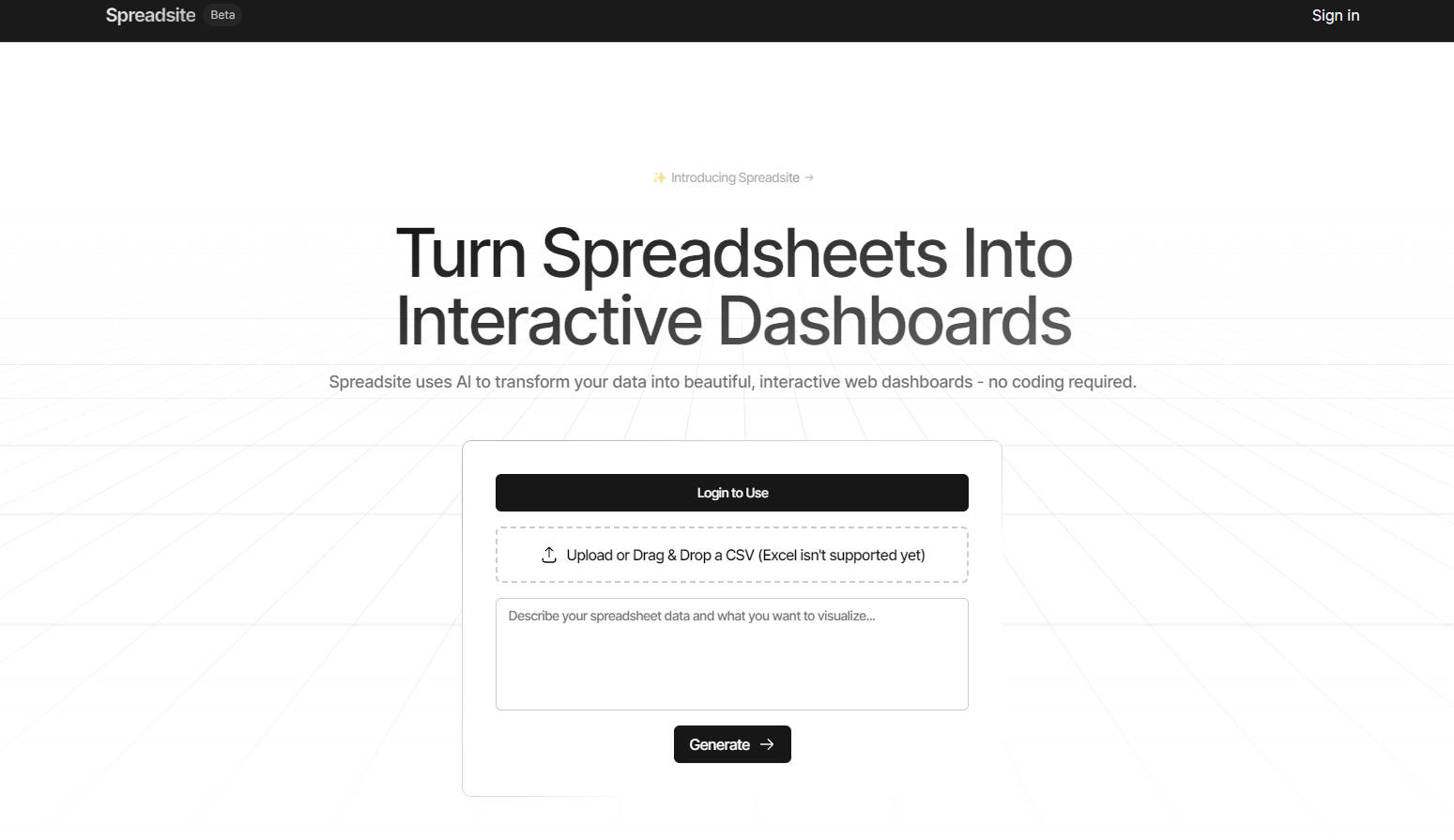
Bring your data to life like never before, Spreadsite leverages AI to convert your spreadsheets into captivating and interactive web dashboards without any coding hassle.[...]
Bank Statement to CSV/Excel tool is software that uses optical character recognition (OCR) and artificial intelligence (AI) to extract transaction data from bank statements with[...]
Conduit allows you to easily import data from various platforms like Shopify, Salesforce, HubSpot, etc. in Google Sheets. With just a few clicks, you can[...]
Array Assistant is AI-powered software that aims to supercharge your spreadsheets and revolutionize your workflow. It offers a wide range of tools and features to[...]
Using AI-powered algorithms, this tool efficiently converts text instructions into Excel and Google Sheets formulas, saving time and increasing efficiency. Main Features: AI-powered formula conversion:[...]