


Advertisement

Pixplain by Merlin AI
Pixplain by Merlin AI
Merlin AI’s Pixplain is an AI-powered browser extension that allows users to capture screen areas, analyze them using GPT-4 Vision, and interact with visual content effortlessly. With just a few clicks, users can experience increased clarity on any web page. The software aims to provide a seamless user experience while continually improving based on user feedback.
Main Features:
1. Screenshot and Analysis: Pixplain allows users to easily capture specific areas of their screens for analysis. This feature is particularly useful for tasks like image recognition or extracting information from screenshots.
2. GPT-4 Vision Integration: By leveraging the power of GPT-4 Vision, Pixplain improves the analysis capabilities of captured screen areas. Users can gain valuable insights and extract relevant information from visual content more effectively.
3. Interactive visual content: Pixplain allows users to interact with visual content in new ways. Whether it’s zooming in on details or highlighting specific elements, this feature improves the overall browsing experience and facilitates a better understanding of visual information.
Use case:
1. Search and Data Extraction: Researchers can use Pixplain to quickly capture images or data points from research articles or websites for further analysis or citation.
2. Design and User Experience Testing: UX designers can use Pixplain to capture website layouts or design elements for evaluation, allowing them to gather feedback more effectively.
3. Content Creation and Social Media Management: Content creators can benefit from Pixplain by capturing engaging visuals directly from web pages for use in blog posts, social media campaigns, or presentations without having to need additional editing tools.
Conclusion:
Merlin AI’s Pixplain offers a powerful solution for capturing screen areas, analyzing visuals using GPT-4 Vision technology, and seamlessly interacting with visual content in web browsers. Its features cater to various needs like research data extraction, design evaluation, and content creation across different industries.
By simplifying complex tasks with intuitive features, Pixplain improves productivity and allows users to get the most out of visual information. With continuous improvements based on user feedback, Pixplain aims to provide an exceptional browsing experience for technical experts and casual users alike.
Vote :



Alternatives to this tool
Transform workplace well-being and productivity with AI-driven analytics and a dynamic, real-time dashboard. Expresso also includes an AI chatbot for individual mood tracking and AI-generated[...]
CroPilot is an AI-powered optimization tool that seamlessly integrates with various platforms, making it easy to improve website performance. With a simple copy and paste,[...]
Rubra is open source AI software that allows developers to build and test AI assistants locally. It provides a simplified and intelligent interface for creating[...]
Monica,Your ChatGPT AI Assistant Chrome extension, named Monica, is an all-in-one AI assistant that offers a range of features to improve your browsing experience. With[...]
OpnForm is a software tool that allows users to create and manage forms. It offers various features and benefits, including the ability to remove branding,[...]
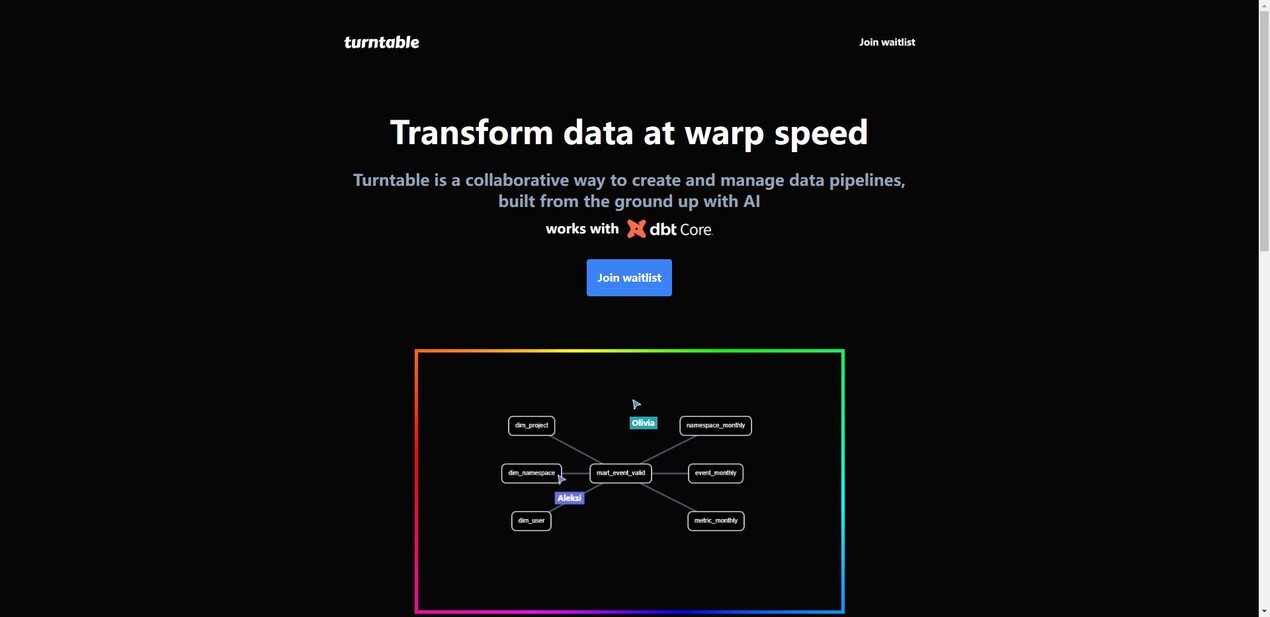
Turntable is an AI tool designed from the ground up to help data teams easily create and manage data pipelines. It has an AI co-pilot[...]
Calendar AI is an automated scheduler and calendar app that makes integrating meetings into your schedule simple and effective. This app understands that you'd rather[...]