


Advertisement

Textpanda
Textpanda
Chat with GPT-4, generate message replies, simplify complex topics, access saved text snippets, and explain/write code.
This AI-powered text expander and sidebar is the ultimate time-saving tool for anyone working with written communication.
With Textpanda, you can chat with GPT-4, OpenAI’s latest great language model, to get help on any particular topic or task – right from your window!
You can also quickly insert saved text snippets into your documents, simplify complex topics, and generate email responses.
Textpanda’s code generation and code explanation features can help programmers and non-programmers better understand and write code.
➤ Main features
~ Text Expander – inject saved text snippets with custom shortcuts
~ Sidebar – open the sidebar to access AI tools, such as GPT-4 and Simplify
~ Use AI to generate responses to your emails
~ Explain or generate code with AI
~ Textpanda tracks your usage stats so you can see how much time and keystrokes you’re saving
~ For better organization of snippets, you can add tags to your snippets and add custom color coding
~Teams can manage access to team members in case not everyone is expected to create team-wide snippets.
➤ How does it work?
To use the text expander, enter the saved trigger of your saved snippet into the text field you’re working in (e.g. Gmail, Outlook, HubSpot, Salesforce, etc.) – then press the space key. Your extract will be automatically injected.
To use AI tools, click the extension icon in Chrome and the sidebar will open, giving you the power of AI at your fingertips!
Vote :


Alternatives to this tool
ListingAI revolutionizes real estate listing descriptions, creating tailored content in seconds, saving time and increasing sales. In just a few clicks, create unique ads and[...]
XiaoYuTai is an AI writing tool launched by Beijing Zilixin team between Technology Co., Ltd. Based on large language models, large mixed models and AIGC[...]
Inc. is team engagement software that uses playful praise and recognition to improve individual and team performance. It fosters a friendly team culture, fosters collaboration[...]
AI Girlfriend is an AI tool that allows users to engage in realistic and intimate sexting conversations with an AI girlfriend. The software offers personalized[...]
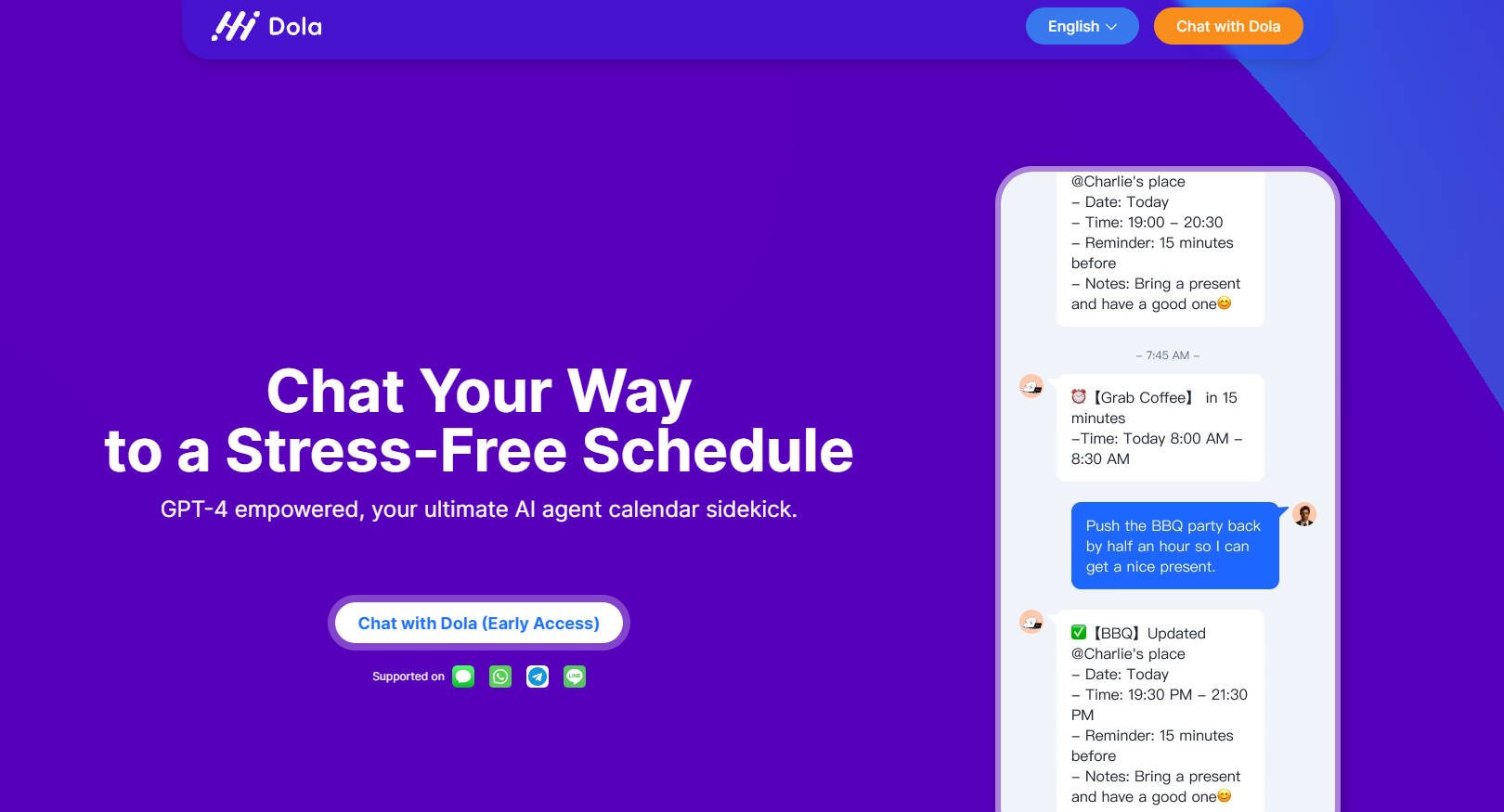
Meet Dola, your AI-powered personal assistant for stress-free planning. With GPT-4 capabilities, Dola understands natural language, streamlining calendar management with precision. From effortless adding events[...]
Kalami appears as an intuitive application meticulously designed to facilitate unique and personalized interactions with OpenAI's GPT-4. This innovative tool introduces a new approach to[...]
Lunabot.AI is an AI assistant accessible via browsers and Telegram, providing assistance with reading, writing, studying and working. It offers various features like translation, summarizing,[...]