


Advertisement

FocoClipping
FocoClipping
If you want to crop images of people or products from photos and paste them on other backgrounds, you usually need a background remover tool. The difficulty of this task can vary depending on the complexity of the context, which challenges the designers’ skills. Nowadays, there are many powerful automated background removal services that use machine learning technology to accurately identify the subject and background range of photos and automatically remove the background to replace it with a transparent image or quickly apply specific background patterns, making the process easier and more time-consuming. -economy.
This article introduces “FocoClipping”, a recently launched free online tool for removing backgrounds. After uploading your photo to the website, this 100% automated feature can remove the background in just three seconds. If you encounter more complex situations, there is also a manual editing mode where users can mark areas they want to keep or remove from their images to help machines make an accurate judgment.
FocoClipping’s intelligent auto-delete function is divided into three types according to photo themes: people, products or patterns. Choosing the right mode usually results in good treatment effects. After removing the background, users can quickly apply specific color backgrounds, templates or upload their own backgrounds. There are also options for cropping, flipping, adding shadows or border effects, with support for high-resolution image quality (up to 3000 × 3000 pixels).
Vote :


Alternatives to this tool
Introducing Lion Accountability Browser, an AI-powered web browser that uses machine learning to detect explicit content. As you browse, it tracks these websites and sends[...]
Sixty is an AI-powered tool that helps users manage their time effectively by highlighting important tasks and managing mundane tasks. It allows users to focus[...]
An AI content creator, chatbot and personalized assistant in one! Create engaging content effortlessly, chat naturally, and enjoy a customizable virtual assistant. Smarter, faster, more[...]
Tulsk.io is an AI-powered project management and collaboration platform that aims to improve productivity. It offers features like custom templates, an AI chat-based project manager[...]
Empai: Empathic AI Assistant is revolutionary software that decodes the true meaning of human interactions. It offers instant costume transformations, enhances communication with a language[...]
PlugBear is user-friendly software that seamlessly connects LLM apps to various tools like Slack. It simplifies the process by allowing users to add their favorite[...]
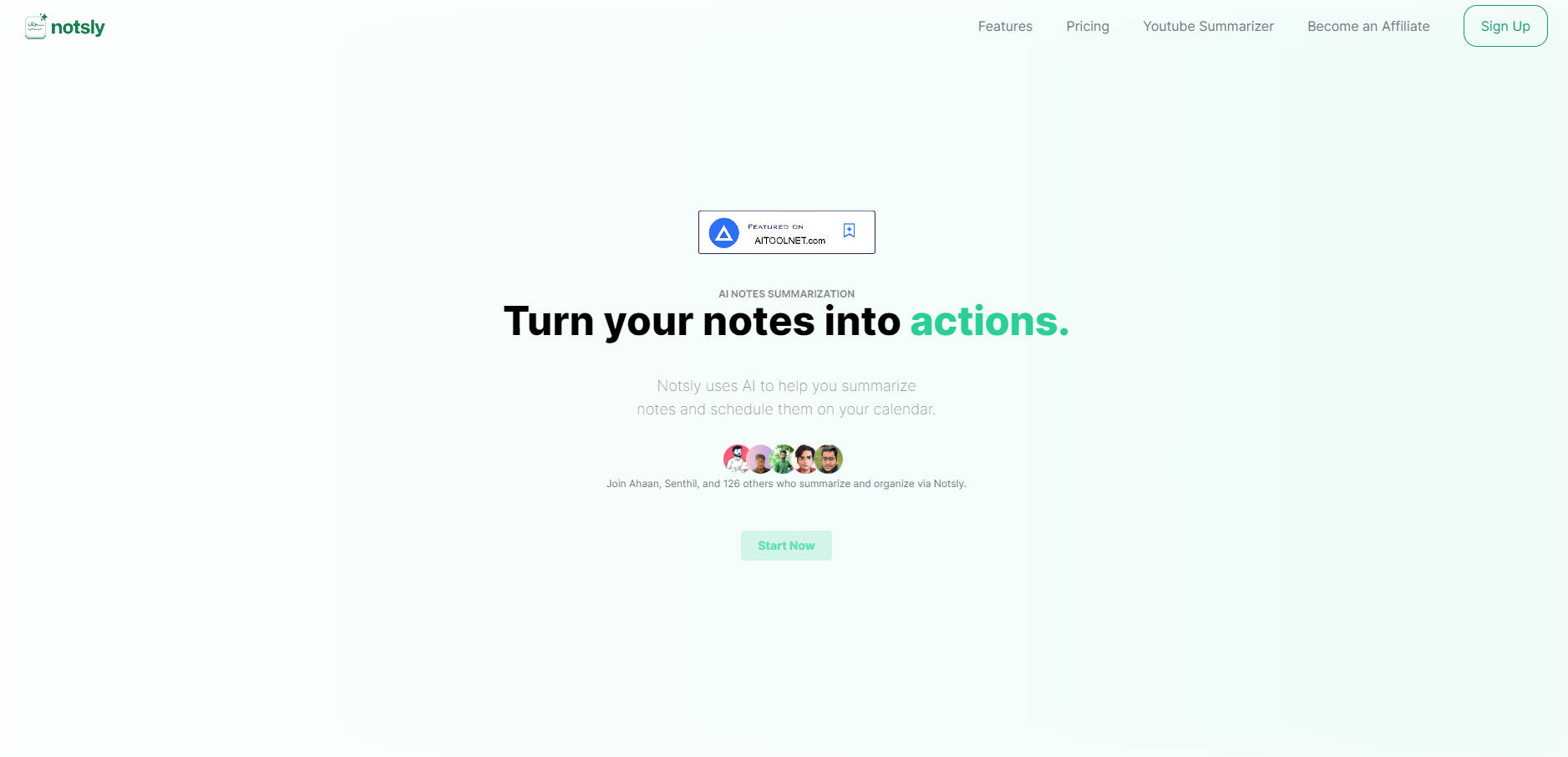
Notsly is an innovative AI-powered productivity tool designed to streamline daily tasks and increase efficiency. With advanced features like summarization, calendar integration, and task management,[...]